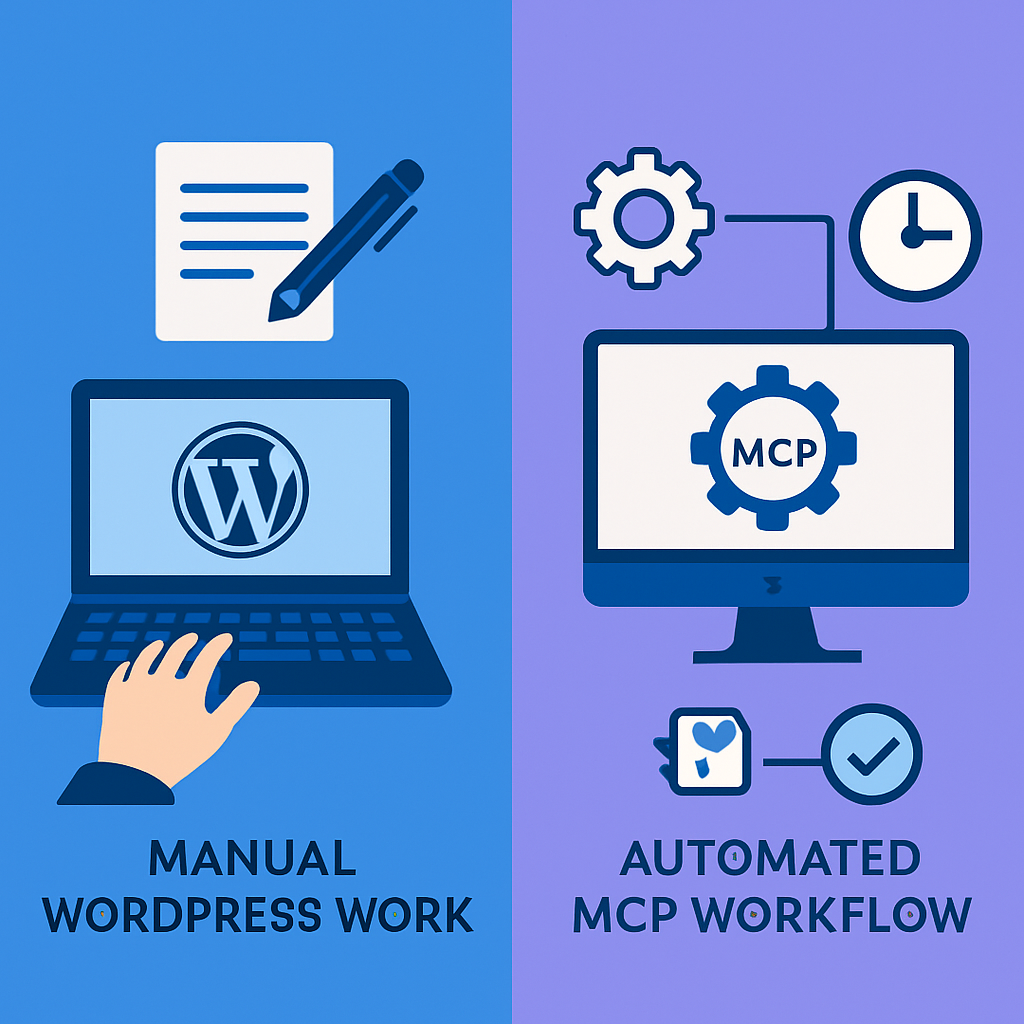
The Manual Content Operations Baseline
Let’s define what “manual content operations” means in practice. For most WordPress teams, it looks like this:
- Content is drafted in Google Docs or Notion
- Someone copies it into the WordPress editor and formats it
- Featured images are sourced, downloaded, cropped, and uploaded
- SEO fields are filled in (title, description, focus keyword, schema)
- Categories, tags, and internal links are added
- The post is previewed, reviewed, and published
- Social media snippets are prepared and shared
For a single blog post, this workflow takes 30-60 minutes after the content is written. For a content team publishing 5 posts per week, that’s 2.5-5 hours of pure publishing overhead — not including the actual writing.
Page design is worse. An Elementor landing page typically takes 2-4 hours to build from scratch, even with templates. Each widget needs its content, typography, colors, spacing, and responsive settings configured individually.
What WordPress MCP Changes
The Model Context Protocol eliminates the manual steps between content creation and publication. Instead of a multi-step workflow involving multiple browser tabs and admin screens, MCP compresses everything into a single instruction.
Content Publishing
Manual: Write in Docs → Copy to WordPress → Format → Add image → Set SEO → Categorize → Publish (45 min)
MCP: “Create a blog post titled ‘X’ with this content, category ‘General’, SEO title ‘X | Brand’, meta description ‘Y’. Upload featured image from [URL]. Publish.” (30 seconds)
The AI handles the API calls to wp_create_post, wp_set_seo, wp_upload_media_from_url, and wp_set_featured_image in sequence. Each call takes 1-2 seconds.
Page Design
Manual: Create page → Open Elementor → Drag widgets → Style each → Set responsive → Save (2-4 hours)
MCP: “Build a page with hero, features grid, testimonials, and CTA sections. Use site brand colors.” (2 minutes)
The wp_build_page tool generates valid Elementor JSON from semantic section descriptions. No dragging, no per-widget styling, no responsive tweaking.
SEO Management
Manual: Open each page → Scroll to SEO box → Edit fields → Save → Repeat (5 min/page × 50 pages = 4 hours)
MCP: “Update SEO metadata for pages 32, 33, 34, 95, 113…” using wp_bulk_seo (5 minutes total)
Quantified Comparison
We tracked time across a month of typical content operations for a site publishing 5 blog posts per week with monthly page updates:
| Operation | Manual (monthly) | MCP (monthly) | Savings |
|---|---|---|---|
| Blog posts (20) | 15 hrs | 40 min | 96% |
| Page updates (4) | 6 hrs | 20 min | 94% |
| SEO updates (30 pages) | 3 hrs | 15 min | 92% |
| Menu/nav changes | 1 hr | 5 min | 92% |
| Media management | 2 hrs | 10 min | 92% |
| Total | 27 hrs | 1.5 hrs | 94% |
Where Manual Still Wins
MCP isn’t better for everything. There are scenarios where manual WordPress management makes more sense:
- One-off visual tweaks — If you need to adjust a single widget’s padding by 2 pixels, Elementor’s visual editor is faster than describing the change in words.
- Complex conditional logic — Custom PHP snippets, advanced ACF field configurations, and WooCommerce product variations are easier to manage through the admin UI.
- Design exploration — If you’re not sure what a page should look like, the visual drag-and-drop experience helps you discover the design. MCP is better for executing a design you already have in mind.
- Client review workflows — If clients need to approve changes through the WordPress admin, the visual editor provides a familiar review experience.
The Hybrid Approach
Most teams end up using both. MCP handles the high-volume, repetitive work — publishing posts, bulk SEO updates, content syndication, template application. The WordPress admin handles the occasional visual fine-tuning, client reviews, and exploratory design work.
The key insight is that MCP doesn’t replace WordPress — it adds a faster interface on top of it. Your existing themes, plugins, and workflows continue to work. You just have a new, more efficient way to operate them.
Getting Started
Try the comparison yourself. Pick a task you do regularly — publishing a blog post, updating SEO fields, or creating a page — and do it both ways. Time each approach. The numbers speak for themselves.
Install mumcp (free plan available) and connect it to your AI assistant. The MCP Tools Reference lists all 139+ available tools.