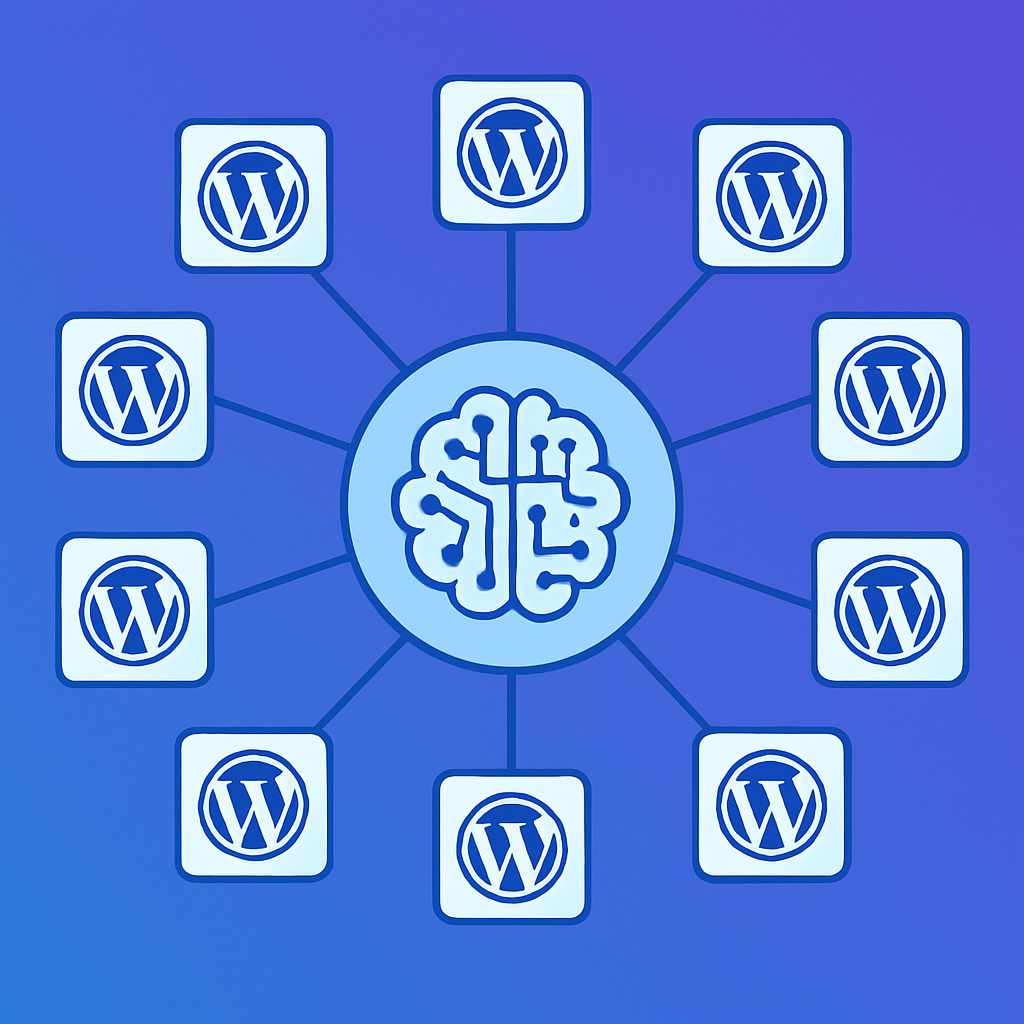
The Multi-Site Management Problem
If you manage multiple WordPress sites, you know the pain. Each site has its own admin dashboard, its own plugin updates, its own content calendar, and its own set of daily maintenance tasks. Multiply that by 5, 10, or 20 sites and you’re spending most of your week just keeping things running — not actually growing your business or producing quality content.
The traditional solutions aren’t great either. ManageWP and MainWP give you a centralized dashboard for updates and backups, but they don’t help with content creation, SEO optimization, or page design. You still need to log into each site individually to write a blog post or redesign a landing page.
The AI-First Approach
mumcp changes the equation by letting you manage all your WordPress sites from a single AI conversation. Install the plugin on each site, connect them all to your AI assistant (Claude, ChatGPT, or any MCP client), and you can command any site by name.
Instead of opening 10 browser tabs, logging into 10 dashboards, and repeating the same task 10 times, you tell your AI assistant: “On all client sites, update the footer copyright year to 2026” or “Create a holiday sale banner on sites A, B, and C.” The AI handles the rest.
Setting Up Multi-Site AI Management
Here’s how to set it up:
Step 1: Install mumcp on Each Site
Upload and activate the plugin on every WordPress site you want to manage. Each installation is independent — there’s no central server required. The plugin works with any hosting provider.
Step 2: Generate API Keys
Generate an API key on each site from the mumcp settings page. Keep these keys organized — we recommend a password manager or a secure document listing each site’s URL and key.
Step 3: Connect to Your AI Assistant
In Claude Desktop (or your preferred MCP client), add each site as a separate MCP server. Name them clearly — “Client A Site”, “Company Blog”, “E-commerce Store” — so you can reference them by name in conversations.
Step 4: Start Managing
Now you can give cross-site instructions in natural language. Your AI assistant knows which tools are available on each connected site and can execute operations across all of them.
Real Multi-Site Workflows
Content Syndication
Write a blog post once and publish it across multiple sites with site-specific customizations. “Publish the Q1 product update on all three brand sites. Use the same body content but customize the intro paragraph for each brand’s voice.” The AI creates the post on each site, adjusting the content as instructed.
SEO Audits Across All Sites
Run SEO analysis on every site in one conversation. “Check all pages on my 5 client sites that are missing meta descriptions.” The AI queries each site’s SEO metadata and compiles a consolidated report, organized by site, with specific recommendations for each page.
Consistent Branding Updates
When your brand guidelines change, update every site at once. “Update the primary color from #1B4DFF to #2563EB on all sites. Change the footer tagline to ‘Powered by innovation.'” The AI modifies Elementor global colors, CSS custom properties, and footer content across all connected sites.
Bulk Maintenance
Handle routine maintenance tasks that would normally take hours. “On all sites, delete all trashed posts, regenerate Elementor CSS, and flush permalinks.” Three commands that would require logging into each dashboard, navigating to the right screens, and clicking through confirmations — done in seconds.
Client Reporting
Pull analytics and health data from all sites at once. “Give me a content summary for all client sites — total published posts, pages, and draft count for each.” The AI queries each site’s analytics endpoint and presents a consolidated overview.
Scaling Without Hiring
The economics are compelling. A junior WordPress developer costs $3,000-5,000 per month. A virtual assistant who knows WordPress costs $1,500-2,500. mumcp Pro costs $9/month per site — meaning 10 sites cost $90/month total, a fraction of the human cost.
More importantly, AI doesn’t make the same mistake on site 8 that it avoided on site 1. It doesn’t get tired at 4 PM. It doesn’t forget to update one site in a batch of 10. The consistency alone is worth the investment.
Agency-Scale Management
For agencies managing 20+ sites, the Agency plan ($29/month) adds unlimited sites, cross-site batch operations, a Cloudflare Worker gateway for edge caching, and an npm MCP server package. The gateway lets you route all API traffic through a single endpoint with caching, reducing load on individual WordPress installations.
Getting Started with Multi-Site
Start with two sites. Install the plugin, connect both to Claude Desktop, and try a simple cross-site task — like creating the same blog post on both sites. Once you see how it works, scale up to your full portfolio. The Getting Started guide covers single-site setup, and the pattern extends naturally to multiple sites.
Managing 10 WordPress sites doesn’t have to mean 10x the work. With the right AI tools, it’s barely more work than managing one.