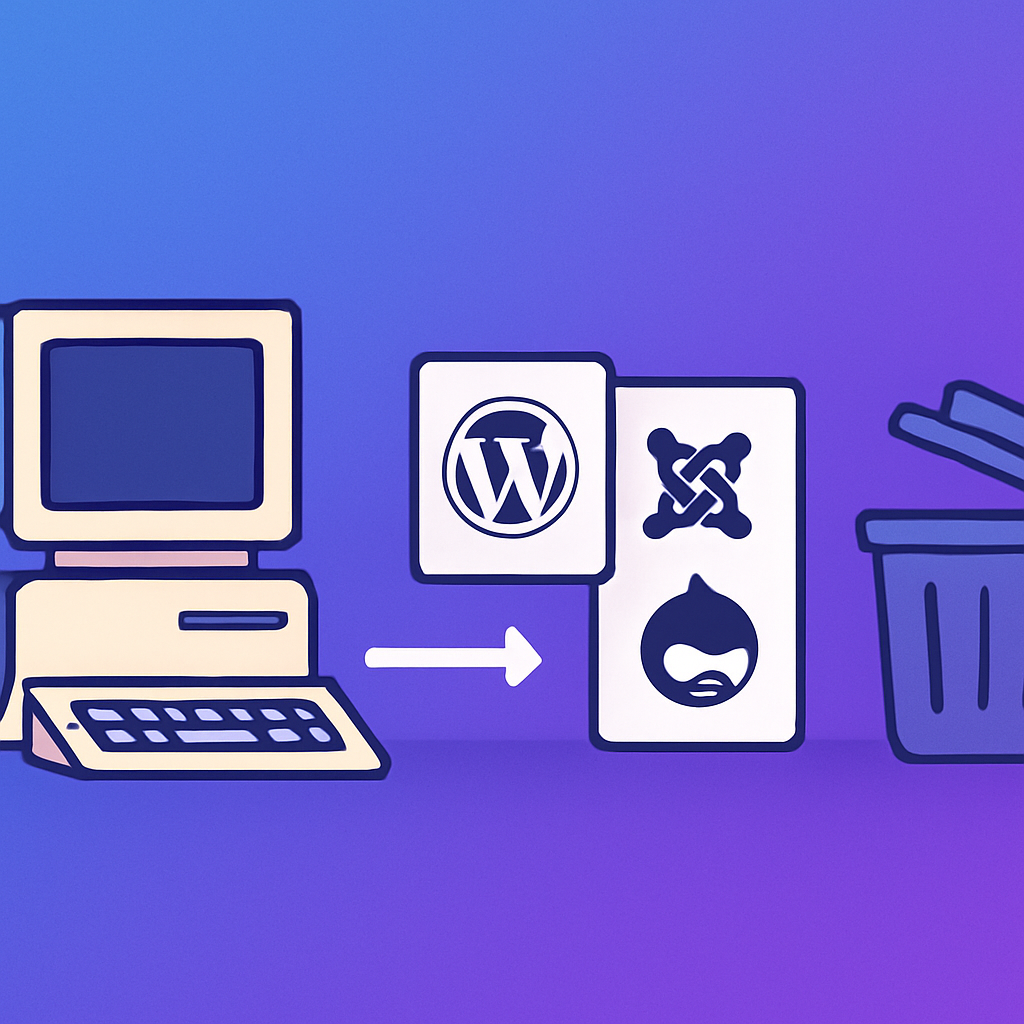
The First CMS: A Django Monolith (2019)
We started where most developers start — building from scratch. A custom Django application with a PostgreSQL database, a WYSIWYG editor bolted on top, and a deployment pipeline that took 45 minutes. It worked, technically. We could create content, manage users, and publish pages.
But the maintenance was brutal. Every feature request meant weeks of development. A simple “add a contact form” became a sprint-long project involving form models, validation logic, email sending, and frontend styling. We were spending 80% of our engineering time on CMS plumbing and 20% on the actual product we were trying to build.
After 14 months, we threw it away.
The Second CMS: Headless Contentful + Next.js (2020)
The headless CMS movement was in full swing, and Contentful looked like the answer. Structured content models, a clean API, a nice editing interface for non-technical team members. We paired it with a Next.js frontend and felt very modern about the whole thing.
The problems emerged slowly. Content modeling in Contentful is powerful but rigid — every content type change required a migration. The API rate limits hit us during builds. The preview experience was clunky. And the cost scaled with content volume: at 50,000 entries, we were paying $800/month just for the CMS.
The real killer was the editor experience. Our content team hated it. “I just want to change the hero text, why do I need to edit a content model field and trigger a rebuild?” Fair point. We’d traded WordPress’s “click and edit” simplicity for developer-friendly abstractions that made everyone else’s life harder.
After 10 months, we threw it away.
The Third CMS: Strapi Self-Hosted (2021)
Strapi fixed the cost problem — it’s open source and self-hosted. We ran it on a $20/month DigitalOcean droplet alongside the Next.js frontend. Content modeling was more flexible, the admin panel was decent, and we had full control over the infrastructure.
But self-hosting introduced operational overhead. Database backups, security patches, server monitoring, SSL certificates, Node.js version upgrades. When Strapi v4 launched with breaking changes, the migration took three weeks. When our droplet ran out of disk space at 2 AM on a Sunday, guess who got the alert.
We also discovered that building a custom frontend from scratch meant rebuilding features that WordPress themes provide out of the box: responsive layouts, SEO meta tags, sitemaps, breadcrumbs, social sharing, image optimization. Each one was a mini-project.
After 8 months, we threw it away.
The Fourth CMS: WordPress Without AI (2022)
We went back to WordPress. It felt like admitting defeat, but the pragmatic reality was undeniable: WordPress has the ecosystem. Themes, plugins, hosting providers, a massive community, and 20 years of battle-tested code. Elementor gave us visual editing. Yoast handled SEO. WPForms managed contact forms. We were productive in a week.
The problem was scale. As our content grew, so did the manual labor. Publishing a blog post meant: write content → format in Gutenberg → add featured image → fill SEO fields → set categories → schedule publication → share on social. Multiply by 5 posts per week, and we had a part-time job that was just “publishing things in WordPress.”
Redesigning a page was worse. Open Elementor → wait 15 seconds for it to load → drag widgets → style each one → save → check mobile preview → fix mobile issues → save again. A homepage redesign took a full day. A landing page took 3-4 hours.
We didn’t throw WordPress away. Instead, we built something on top of it.
The Fifth CMS: WordPress + mumcp (2024)
That something was mumcp. Instead of replacing WordPress, we gave it an AI-accessible interface. The same WordPress installation, the same Elementor editor, the same plugins — but now controllable through natural language.
What used to take 30 minutes (create a page, add Elementor sections, style everything, set SEO metadata) now takes one sentence: “Create a features page with a hero section, 3-column feature grid, pricing table, and FAQ accordion. Use the site’s color palette.” The AI does the rest.
We’re still on WordPress. We still use Elementor, Yoast, and WPForms. But we’ve eliminated the manual bottleneck that made WordPress feel slow. The CMS isn’t the problem — the interface was the problem. Dashboards, buttons, and form fields are fine for humans, but they’re a terrible interface for AI-assisted workflows.
Lessons from Four Failures
Each failed CMS taught us something:
- Custom builds are fun to architect and painful to maintain. You’ll spend more time on infrastructure than on your actual product.
- Headless CMS platforms optimize for developers at the expense of content editors. Most teams aren’t developer-heavy.
- Self-hosted open source trades subscription costs for operational costs. The total cost of ownership is usually higher than you expect.
- WordPress without automation is powerful but manual. The ecosystem is unmatched, but the admin workflow doesn’t scale.
The answer wasn’t building a fifth CMS. It was making the best existing CMS — WordPress — work at AI speed. That’s what mumcp does.
Try It Yourself
If you’re stuck in the “WordPress is powerful but slow” phase, try mumcp. The free plan includes 90+ MCP tools. The Pro plan ($9/month) adds SEO, forms, advanced Elementor, and the semantic page builder. You keep WordPress. You keep your plugins. You just stop doing everything manually.