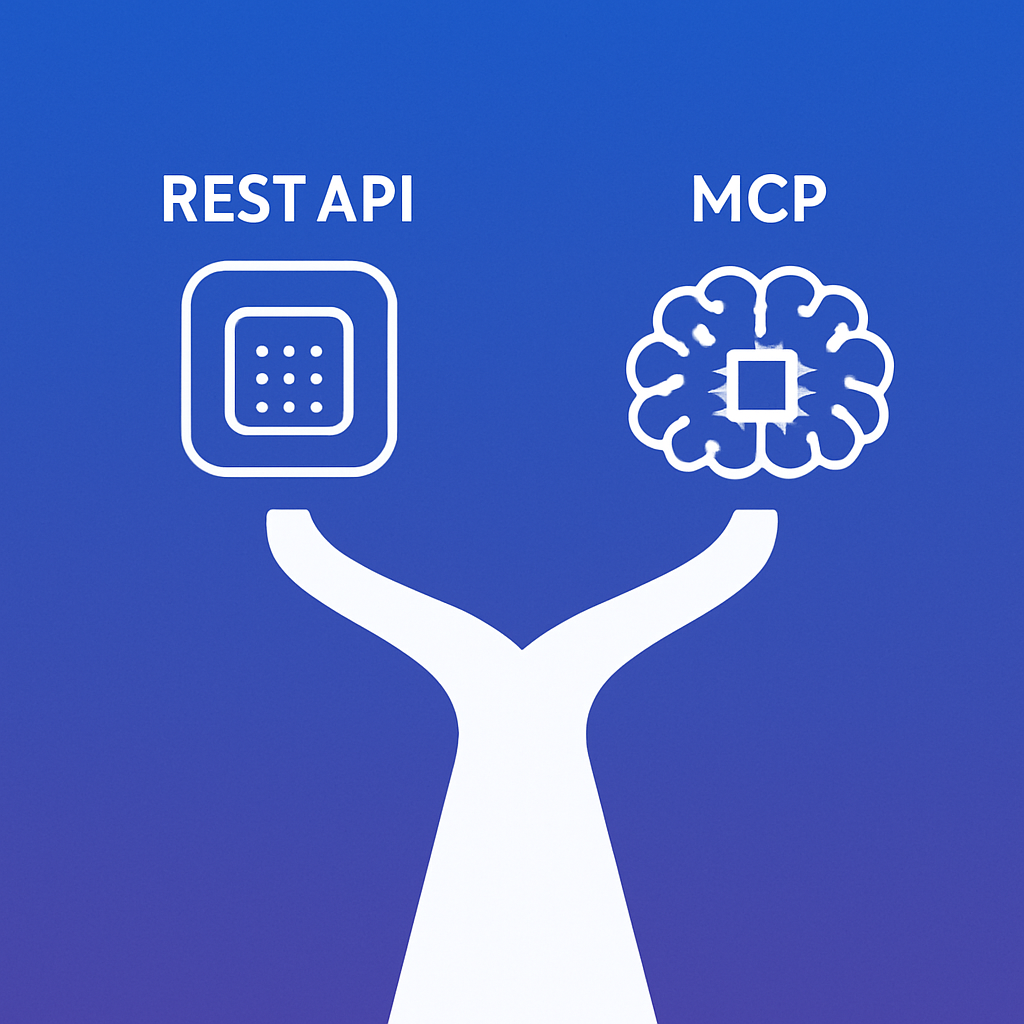
MCP (Model Context Protocol) and the WordPress REST API are complementary — not competing — technologies. The REST API is for programmatic integrations: apps, scripts, and services that need structured endpoints. MCP is for AI assistants: natural language interfaces that need to discover, understand, and invoke capabilities dynamically. If you’re building a mobile app, use the REST API. If you want Claude to manage your WordPress site, use MCP via mumcp.
Quick Comparison
| Feature | WordPress REST API | MCP (via mumcp) |
|---|---|---|
| Designed for | Apps, scripts, integrations | AI assistants and natural language |
| Authentication | Cookie, nonce, OAuth, application passwords | Single API key (X-API-Key header) |
| Discovery | Manual — read docs, find endpoints | Automatic — AI discovers all 207 tools via tools/list |
| Input format | HTTP methods + JSON body | JSON-RPC 2.0 (tool name + arguments) |
| Error handling | HTTP status codes + error objects | Structured errors with hints and suggestions |
| Elementor support | None (no native endpoints) | Full — get, set, build pages, section CRUD, widget schemas |
| WooCommerce | Separate REST API with its own auth | Unified — 17 tools in the same session |
| SEO plugins | No standard endpoints | 10 tools for Yoast, RankMath, AIOSEO |
| Bulk operations | One request per item | Batch tools (wp_batch_update, wp_bulk_seo) |
| AI-specific features | None | Image generation, alt text, text-to-speech, content analysis |
| Client | Any HTTP client (curl, Postman, fetch) | Claude, ChatGPT, Gemini, Cursor, Windsurf |
What MCP Adds That REST Can’t
1. Tool Discovery
When an AI connects via MCP, it calls tools/list and immediately knows every available capability — 207 tools with typed parameters, descriptions, and examples. With the REST API, you’d need to read documentation, understand endpoint patterns, and write code for each operation.
2. Unified Interface
The WordPress REST API, WooCommerce REST API, and SEO plugin APIs are all separate systems with different authentication, different URL patterns, and different data formats. MCP unifies everything into one protocol. One API key, one connection, one interface for all 207 operations.
3. Elementor Control
WordPress core has no REST API for Elementor. mumcp’s MCP tools provide:
wp_get_elementor— read page layoutswp_set_elementor— write full layoutswp_build_page— generate layouts from descriptionswp_add_section/wp_remove_section/wp_replace_section— section-level editswp_patch_elementor— targeted widget updateswp_get_elementor_widgets— widget schema reference
4. AI-Powered Operations
These capabilities don’t exist in the REST API:
wp_generate_featured_image— DALL-E image generationwp_generate_alt_text— AI-powered image descriptionswp_text_to_speech— ElevenLabs audio generationwp_generate_excerpt— AI-generated post summarieswp_search_stock_photos— Pexels integrationwp_analyze_seo— AI-powered SEO auditing
5. Error Intelligence
When something fails, mumcp returns structured error hints — not just “404 Not Found” but contextual suggestions like “Did you mean ‘heading’? (you typed ‘headng’)” or “Columns must sum to 100 (currently 80)”. This is designed for AI clients that need to self-correct.
When to Use the REST API
- Building a mobile app that reads WordPress posts
- Syncing data between WordPress and another system
- Custom JavaScript frontends (headless WordPress)
- Automated scripts that run on a schedule (cron jobs)
- Third-party integrations (Zapier, Make, n8n)
When to Use MCP
- Managing your WordPress site through an AI assistant
- Building Elementor pages with natural language
- Bulk content operations across multiple sites
- SEO audits and optimization
- WooCommerce management alongside content management
- Any task where you’d normally open the WordPress admin dashboard
Can I Use Both?
Absolutely. They serve different purposes and coexist perfectly. Your mobile app uses the REST API while your content team uses mumcp’s MCP tools through Claude. Same WordPress site, different interfaces for different use cases.
Get Started with MCP
Download mumcp (free) and connect your WordPress site to Claude Desktop, Cursor/Windsurf, or ChatGPT. All 207 tools are free.