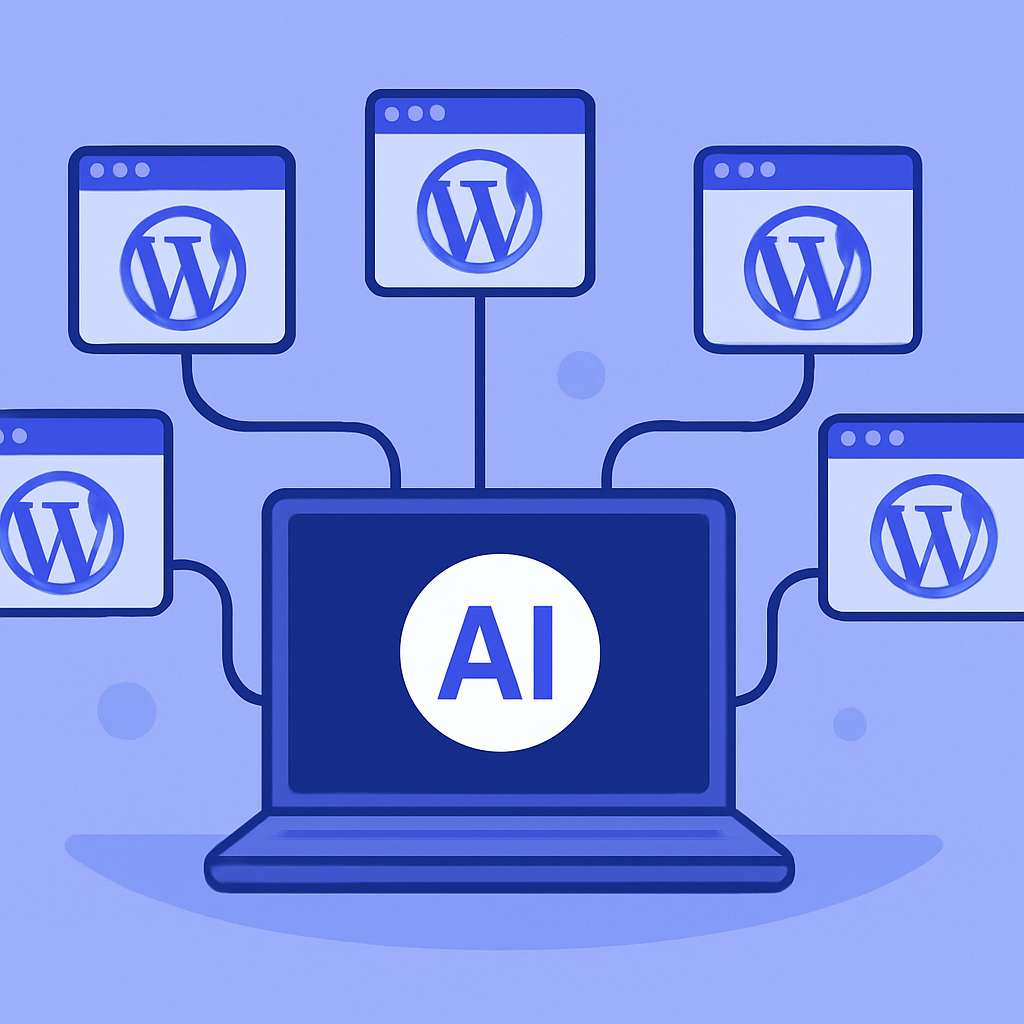
The Multi-Site Challenge
Managing multiple WordPress sites is one of the most common pain points for freelancers, agencies, and businesses. Each site has its own admin dashboard, its own update schedule, its own content calendar. What starts as “I’ll just manage a few sites” quickly becomes a full-time job of logging in, clicking around, and repeating the same tasks across different installations.
The tools that exist for multi-site management — ManageWP, MainWP, InfiniteWP — focus on maintenance: updates, backups, uptime monitoring. They’re good at keeping sites alive, but they don’t help you create content, build pages, or maintain brand consistency across sites. For that, you’re still logging into each dashboard individually.
AI Changes the Multi-Site Equation
mumcp takes a fundamentally different approach. Instead of giving you a centralized dashboard for maintenance, it gives you a conversational interface for everything — content creation, page design, SEO management, menu configuration, and site settings. And because it uses the Model Context Protocol, you can connect multiple WordPress sites to a single AI conversation.
The practical difference is enormous. Instead of opening 8 browser tabs, logging into 8 dashboards, and performing the same task 8 times, you tell your AI assistant what to do and it handles each site automatically.
Setting Up a Multi-Site Workflow
Connect Your Sites
Install mumcp on each WordPress site you manage. Generate API keys for each. In your MCP client (Claude Desktop, Claude Code, or any compatible client), add each site as a named MCP server. Use clear names: “Agency Blog”, “Client: Acme Corp”, “E-commerce: ShopNow”.
Establish Site Contexts
Each site can have a site context — a markdown document that defines the site’s brand guidelines, color palette, typography, voice, and content rules. Use wp_set_site_context to save this on each site. When your AI assistant creates content, it reads the site context first to ensure brand consistency.
Create Reusable Workflows
Build workflows that you repeat across sites:
- Weekly blog posts — “On all client sites, create a blog post about [topic]. Use each site’s voice and link structure.”
- Monthly SEO audits — “For each connected site, list pages with missing meta descriptions and suggest improvements.”
- Quarterly design refreshes — “Update the hero section on all sites to use the new seasonal color palette.”
Real Workflow Examples
Content Syndication
You write a blog post about industry trends. The core content is the same, but each client site needs a customized introduction referencing their specific product or service. With mumcp, you provide the core content once, and instruct the AI to adapt and publish it on each site with appropriate customizations.
What would take 3-4 hours (adapting content, formatting in each CMS, setting SEO fields, adding images) takes 15-20 minutes through a single conversation.
Consistent Branding Updates
Your agency updates its brand guidelines — new primary color, updated footer text, revised “About” blurb. On 10 client sites, this means 10 Elementor sessions, 10 footer edits, 10 about page updates. Or one AI conversation: “On all sites, update the primary color from #1B4DFF to #2563EB, change the footer copyright to 2026, and update the About page intro paragraph to [new text].”
Cross-Site SEO Management
SEO is where multi-site management gets really painful. Each site might have 20-50 pages that need SEO metadata. Multiply by 10 sites, and you’re managing 200-500 SEO titles and descriptions. mumcp’s bulk SEO tools let you update metadata across sites efficiently, and the AI can generate contextually appropriate descriptions based on each page’s actual content.
Scale Without Proportional Cost
The economics work in your favor. Managing 10 sites manually requires either a dedicated team member or significant personal time — easily $2,000-5,000/month in labor costs. mumcp Pro costs $9/month per site ($90/month for 10 sites). The Agency plan ($29/month) covers unlimited sites with additional features like cross-site batch operations and edge caching.
More importantly, the quality stays consistent. When a human manages 10 sites, site #10 gets less attention than site #1. AI doesn’t have attention fatigue — each site gets the same level of care.
Getting Started
Start small. Pick 2-3 sites, install mumcp, and try managing them from a single AI conversation. Common starting tasks:
- Publish the same blog post on all sites (with customizations)
- Run an SEO audit across all sites
- Update footer content on all sites simultaneously
Once you see the time savings on 2-3 sites, scaling to 10+ is straightforward. The workflow is the same — you’re just adding more MCP server connections to your AI client.
Visit our Getting Started guide for step-by-step setup instructions, or download the plugin to try it today.